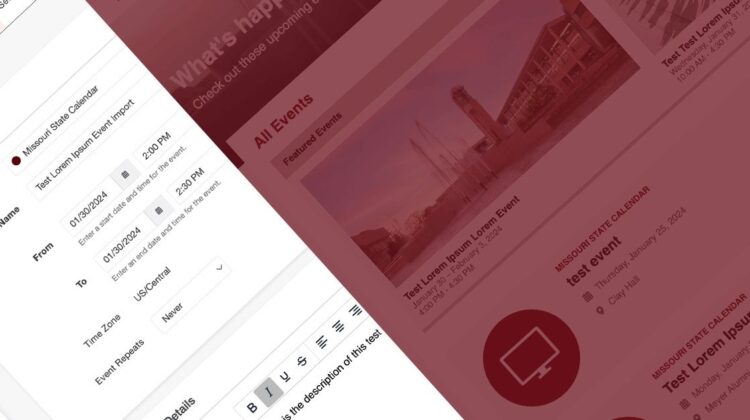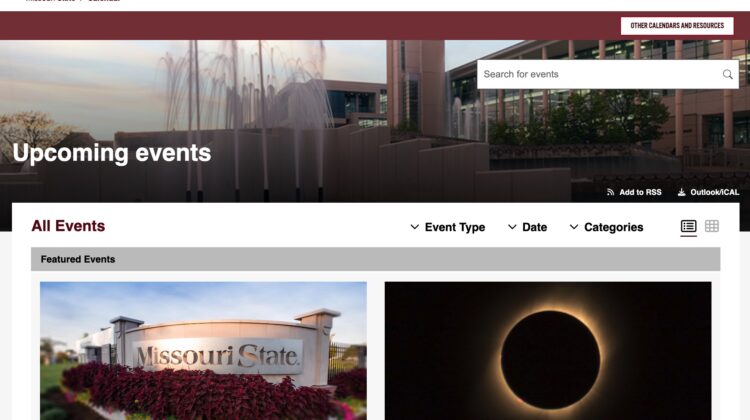
The new events calendar is now live at calendar.missouristate.edu.
Approved calendar editors will be granted access to add events the week of April 8th.
It is important to familiarize yourself with the below items when navigating the new calendar.
New calendar interface
The calendar interface has changed with the below features available.
Header
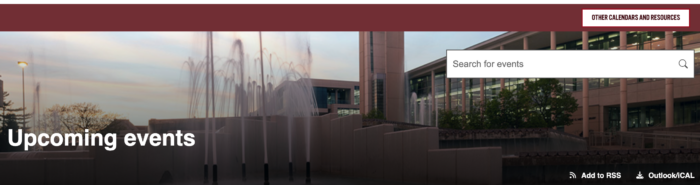
Search: Use the keyword search available in the calendar header to quickly search all events.
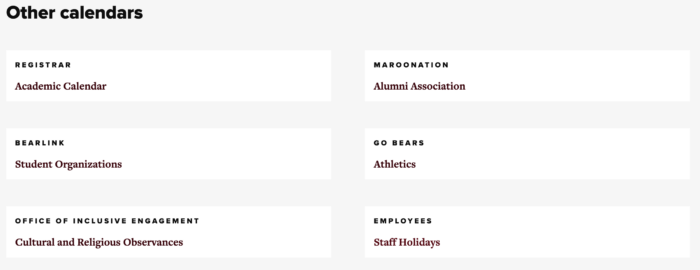
Other calendars and resources: Select the Other Calendars & Resources button to view a list of additional calendars and support links.
Navigation
Event Type: Select Featured or All events from the drop-down menu.
Date: To view events for a specific date, simply use the date selection feature in the drop-down menu.
Categories: Select a specific category of events to view from the drop-down menu.
View Format: View events in a list view or traditional calendar view by selecting a format icon.

Other Calendars
Other Calendars: View additional calendars such as alumni events, academic calendars, student organization events and more located at the end of the event feed.
Resources
Submit event to Inside Missouri State (IMS): Use the linked form in the Resources section to submit an event for potential inclusion in IMS.
Calendar Support: Use the linked contact page for calendar support.

Calendar Support
Using the public calendar
Editing the calendar
- To gain access to add events to the calendar, you must complete calendar training.
- Once you have completed training and are approved, access will be provided the week of April 8.
How to become a calendar editor
Editor resources
Contact
Contact Web Strategy and Development for calendar questions and support.