
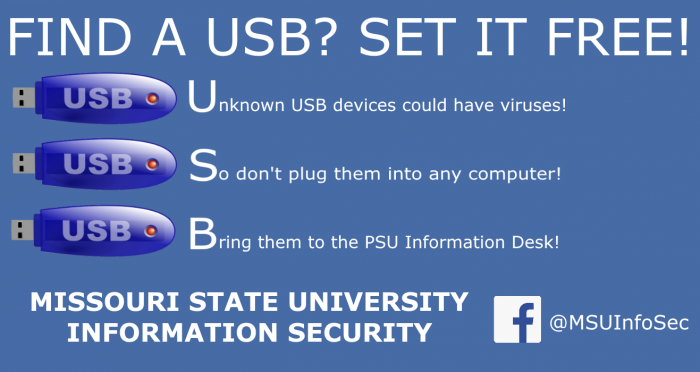
No, this isn’t a blog post about how difficult a USB can be to plug in. Unknown USB drives are a safety risk and you shouldn’t use them. Here are the top 5 reasons why you should be suspicious.
5. Viruses Install Themselves
- Most computers you plug a USB drive into aren’t able to stop nasty programs from running.
- Those programs will run without your permission, even with anti-virus software.
- Don’t take the chance with plugging in an unknown USB in the first place.
4. The USB Is Disguised
- Sometimes, to get people to plug in a bad USB, hackers will use USB devices that look “official”, with a school or company logo.
- If you don’t own the USB, there’s a huge risk using it.
- This is true even if the USB was already plugged into another computer.
3. Hackers Steal Your Information
- Even if you do a good job of keeping your passwords safe, plugging in the wrong USB can install what’s known as a “keylogger”.
- Keyloggers save information about what you type.
- Hackers can use that information to learn your usernames, passwords, emails, and even social security number.
2. Hackers Steal Your Friends’ Information
- After reading this far, you know enough to not plug in a random USB.
- Do your friends and family know? Share this post with them, or talk about it.
- You can also help others by bringing unknown USB drives to the PSU Information Desk.
1. It’s Not Just USB Drives
- ANY unknown device could have a virus installed or steal your info, even a computer mouse.
- USB drives are the most common, but beware anything you plug into your computer or phone.
- If you don’t know where it came from, don’t use it.
Discover more from Information Services Blog
Subscribe to get the latest posts sent to your email.